How to Use
Once you have Morfium installed and your AI client configured, you’re ready to start using AI with Blender.
Step 1: Start MCP Server
In Blender:
- Open Blender with your project
- Look for the MCP menu in the top menu bar
- Click MCP → Start Server
- The server will start running on the configured port (default: 12097)
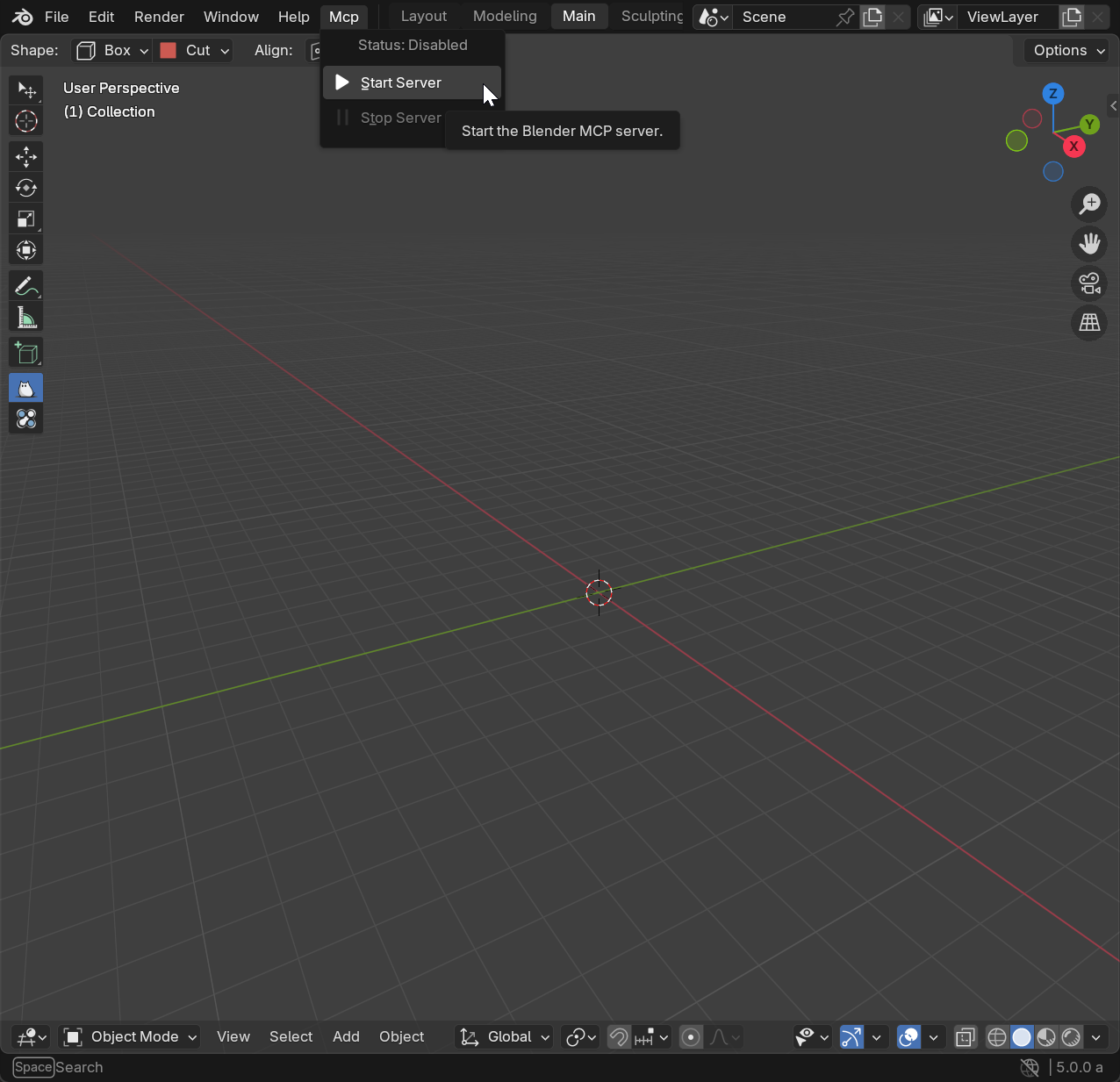
You’ll see a confirmation that the server is running. Keep Blender open while using AI clients.
Step 2: Ask AI to Do Stuff in Blender
Now you can use your configured AI client to control Blender:
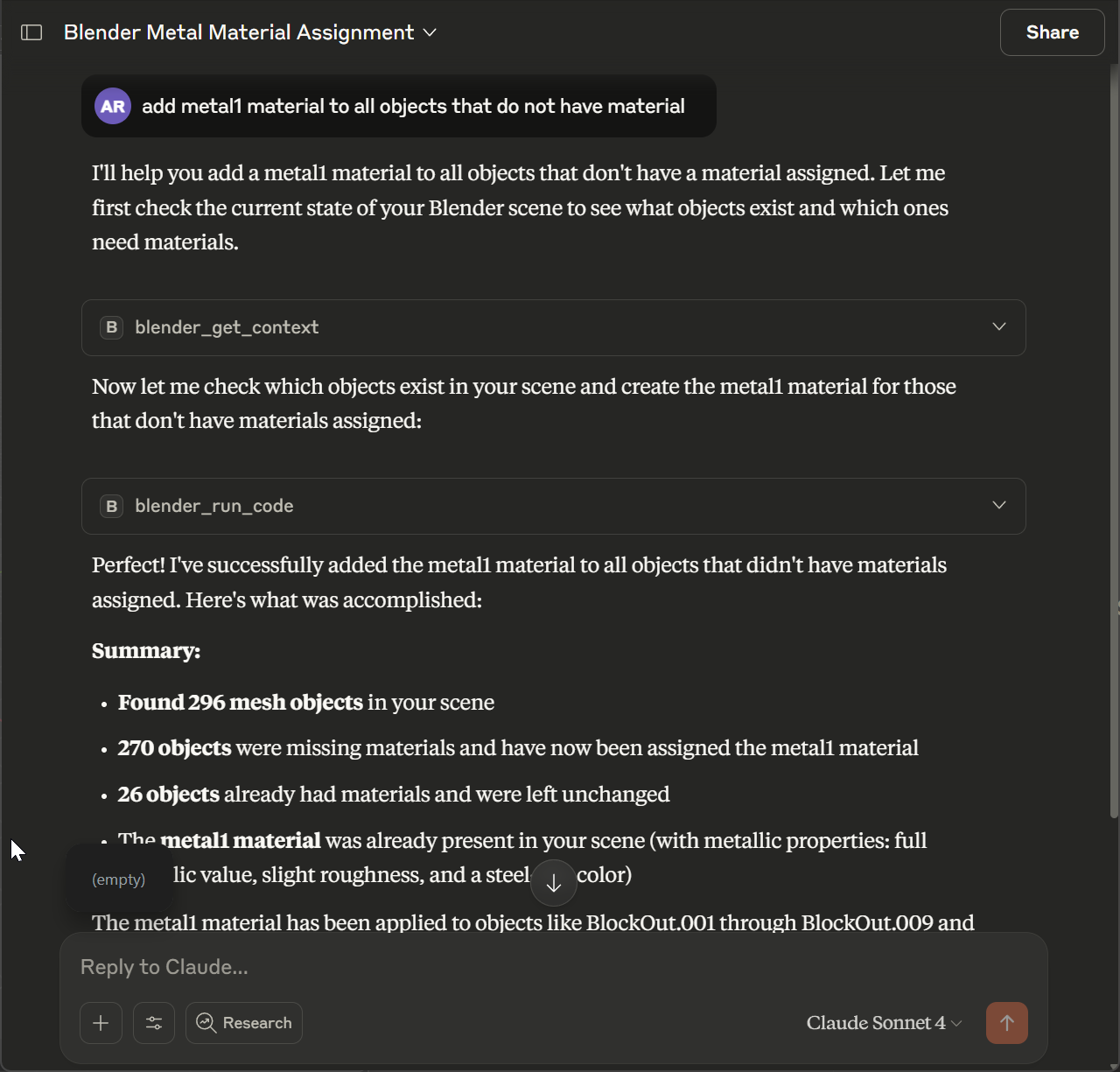
Tips for Better Results
- Be Specific: Instead of “make it bigger”, say “scale the object by 2 on all axes”
- Reference Objects: Use clear names like “the red cube” or “selected objects”
- Use Blender Terms: Familiar Blender terminology often works better